OSLITE
Standard
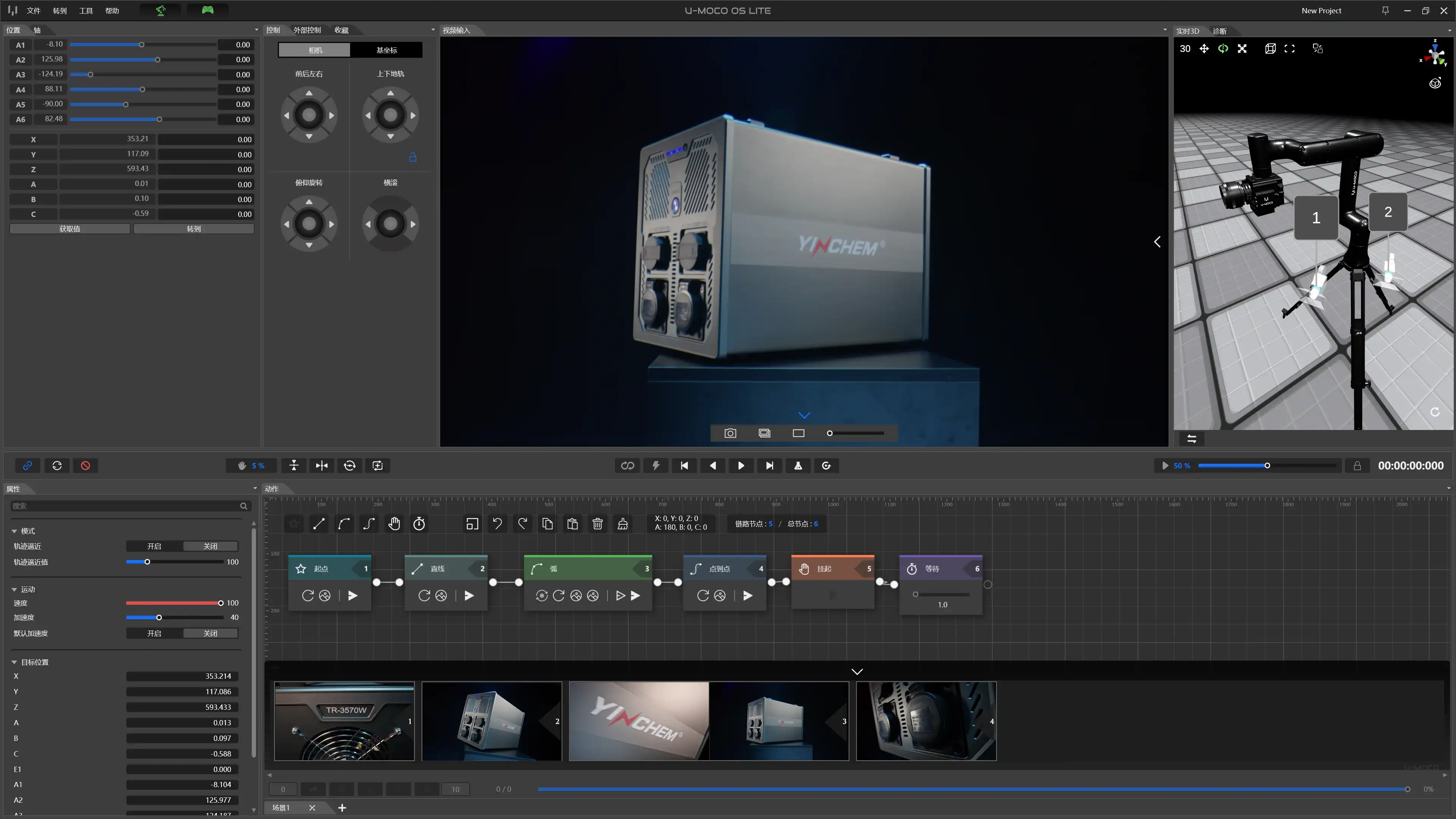
Create quickly
Record nodes · Adjust speed
Build the move instantly
'/%3e%3cpath%20class='cls-1'%20d='M234.49,58.59H197.38V49.33h37.11Z'%20transform='translate(0.17%20-0.22)'/%3e%3cpath%20class='cls-1'%20d='M311.09,82.33H300.72V48.54L282.48,80.63a4.44,4.44,0,0,1-1.88,1.86,5.48,5.48,0,0,1-2.59.63,5.22,5.22,0,0,1-2.51-.63,4.52,4.52,0,0,1-1.84-1.86L255.34,48.54V82.33H245.06V30a5.14,5.14,0,0,1,3.79-5,5.46,5.46,0,0,1,3.27.22,4.85,4.85,0,0,1,1.4.83,4.77,4.77,0,0,1,1.07,1.28L278,68l23.43-40.72A5,5,0,0,1,304,25.16a5.36,5.36,0,0,1,3.34-.2A5.18,5.18,0,0,1,310,26.82,5.06,5.06,0,0,1,311.09,30Z'%20transform='translate(0.17%20-0.22)'/%3e%3cpath%20class='cls-1'%20d='M382.58,59.38a24.89,24.89,0,0,1-1.78,9.54,22.2,22.2,0,0,1-12.44,12.44,24.9,24.9,0,0,1-9.44,1.76H345a25,25,0,0,1-9.46-1.76A22.33,22.33,0,0,1,328,76.43a22.82,22.82,0,0,1-5-7.51,24.71,24.71,0,0,1-1.8-9.54V48.54a24.7,24.7,0,0,1,1.8-9.51,22.56,22.56,0,0,1,5-7.52,22.79,22.79,0,0,1,7.52-4.93A24.85,24.85,0,0,1,345,24.8h13.92a24.72,24.72,0,0,1,9.44,1.78,22.81,22.81,0,0,1,7.5,4.93A22.21,22.21,0,0,1,380.8,39a24.88,24.88,0,0,1,1.78,9.51ZM372.3,48.54a15.15,15.15,0,0,0-1-5.52,12.24,12.24,0,0,0-2.73-4.23,12.1,12.1,0,0,0-4.24-2.73,14.7,14.7,0,0,0-5.44-1H345a14.77,14.77,0,0,0-5.48,1,12.27,12.27,0,0,0-4.26,2.73A12.15,12.15,0,0,0,332.51,43a15.15,15.15,0,0,0-1,5.52V59.38a15.15,15.15,0,0,0,1,5.52,12.15,12.15,0,0,0,2.75,4.23,12.27,12.27,0,0,0,4.26,2.73,14.77,14.77,0,0,0,5.48,1h13.84a14.77,14.77,0,0,0,5.48-1,12.27,12.27,0,0,0,4.26-2.73,12.15,12.15,0,0,0,2.75-4.23,15.15,15.15,0,0,0,1-5.52Z'%20transform='translate(0.17%20-0.22)'/%3e%3cpath%20class='cls-1'%20d='M443.55,82.33H406.44a15,15,0,0,1-3.07-.34,15.3,15.3,0,0,1-3.24-1,14.53,14.53,0,0,1-3.07-1.84,12.5,12.5,0,0,1-2.59-2.73,13.47,13.47,0,0,1-1.8-3.71,15.66,15.66,0,0,1-.67-4.77V40a14.84,14.84,0,0,1,.34-3.06,15.74,15.74,0,0,1,1-3.25,15,15,0,0,1,1.86-3.06,13.09,13.09,0,0,1,6.45-4.39,15.47,15.47,0,0,1,4.75-.68h37.11V35.88H406.44A4.22,4.22,0,0,0,403.35,37a4.3,4.3,0,0,0-1.06,3.16V67.89A3.78,3.78,0,0,0,406.44,72h37.11Z'%20transform='translate(0.17%20-0.22)'/%3e%3cpath%20class='cls-1'%20d='M512,59.38a24.89,24.89,0,0,1-1.78,9.54,22.64,22.64,0,0,1-5,7.51,22.4,22.4,0,0,1-7.49,4.93,24.94,24.94,0,0,1-9.44,1.76H474.41A25,25,0,0,1,465,81.36a22.33,22.33,0,0,1-7.52-4.93,22.85,22.85,0,0,1-5-7.51,24.71,24.71,0,0,1-1.8-9.54V48.54a24.7,24.7,0,0,1,1.8-9.51A22.3,22.3,0,0,1,465,26.58a24.84,24.84,0,0,1,9.45-1.78h13.93a24.75,24.75,0,0,1,9.44,1.78,22.87,22.87,0,0,1,7.49,4.93,22.38,22.38,0,0,1,5,7.52A24.88,24.88,0,0,1,512,48.54ZM501.71,48.54a15,15,0,0,0-1-5.52,11.95,11.95,0,0,0-7-7,14.7,14.7,0,0,0-5.44-1H474.41a14.84,14.84,0,0,0-5.48,1,12.23,12.23,0,0,0-4.25,2.73A12,12,0,0,0,461.93,43a15,15,0,0,0-1,5.52V59.38a15,15,0,0,0,1,5.52,12,12,0,0,0,2.75,4.23,12.23,12.23,0,0,0,4.25,2.73,14.84,14.84,0,0,0,5.48,1h13.85a14.81,14.81,0,0,0,5.48-1A12.14,12.14,0,0,0,498,69.13a11.87,11.87,0,0,0,2.75-4.23,15,15,0,0,0,1-5.52Z'%20transform='translate(0.17%20-0.22)'/%3e%3c/svg%3e)
U-MOCO OS
From quick recording to precise choreography. One system for every camera move.
Two control methods for different production rhythms.
Record nodes · Adjust speed
Build the move instantly
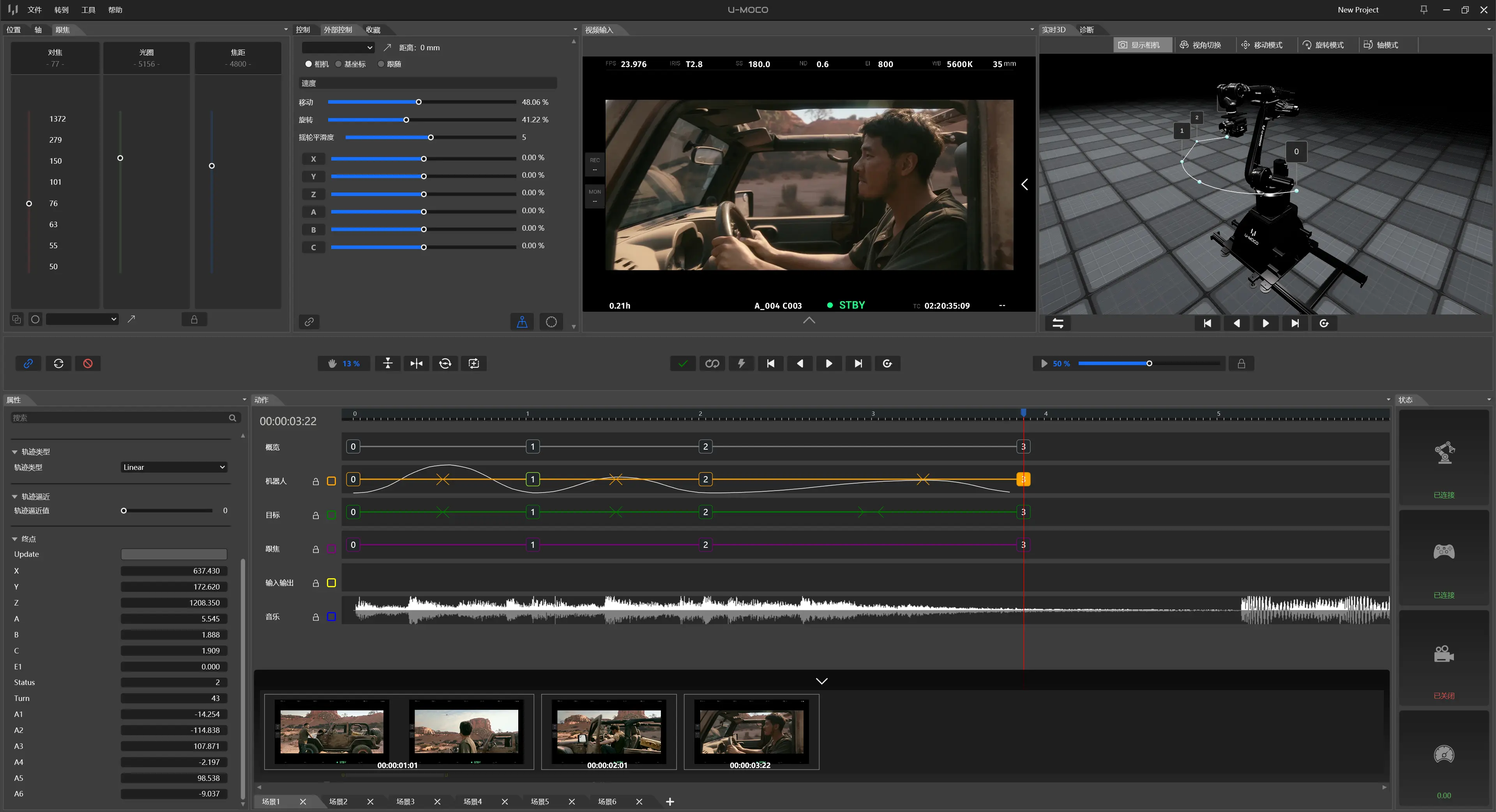
Timeline · Multi-track keyframes
Every second · Every frame
From fast completion to professional choreography. Choose the workflow that fits your production needs.
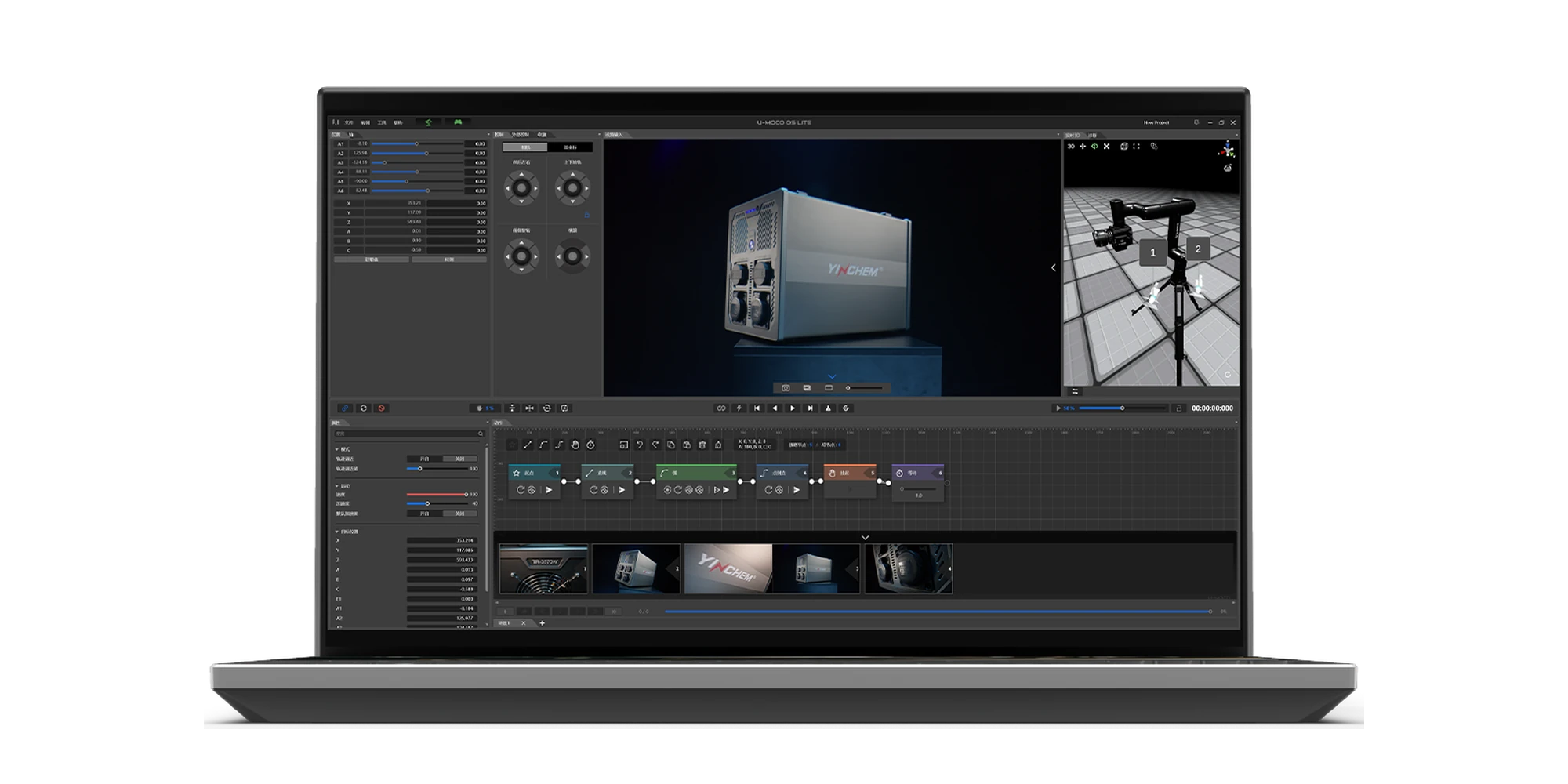
Quick to learn for essential camera moves
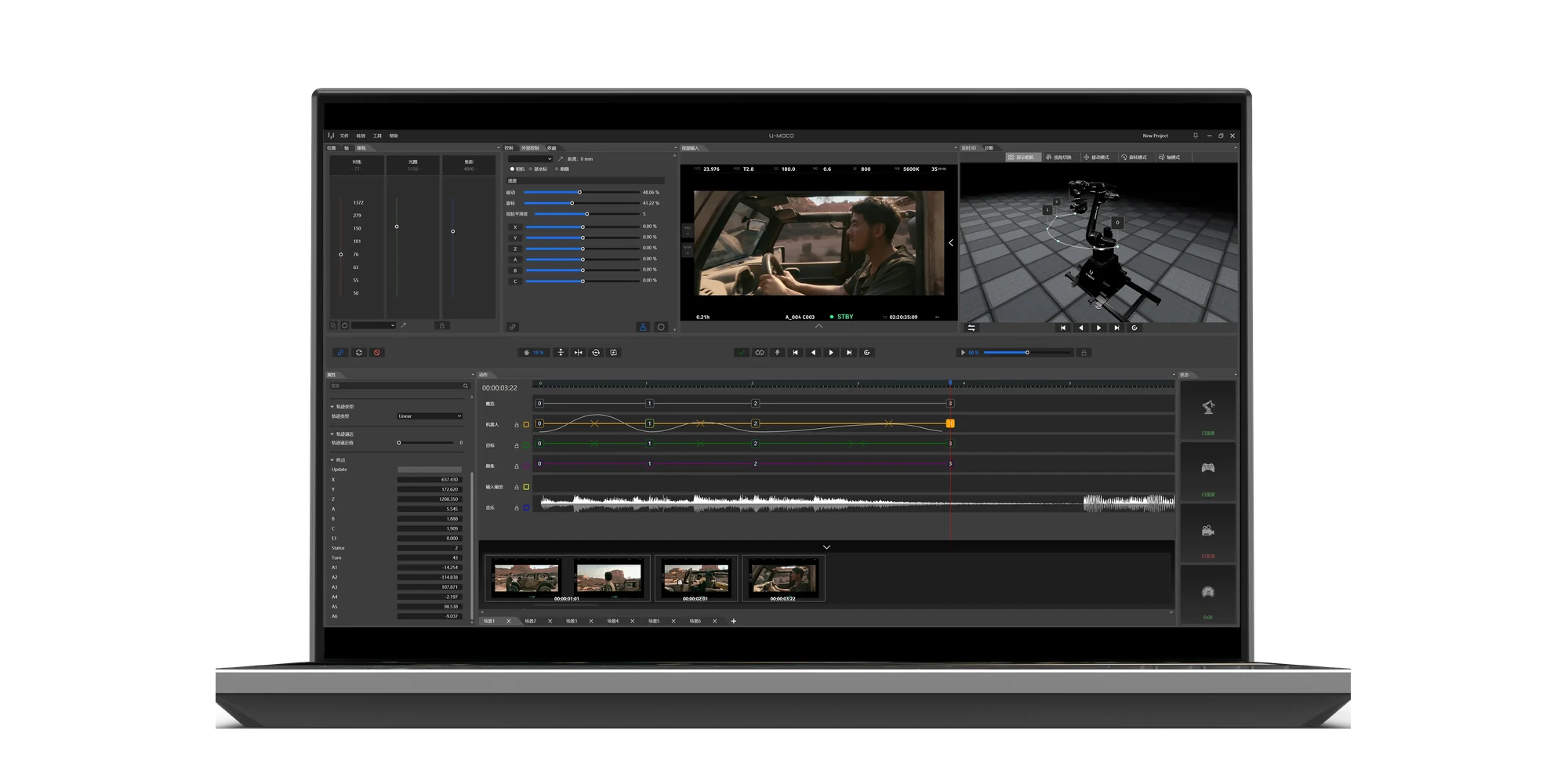
Unlock the robot’s complete professional capabilities
Node-based control
Professional timeline editing
Connect motion nodes in sequence
Choreograph pacing freely and hit cues precisely
Designed for simple paths
Supports complex, continuous long-take camera moves
Percentage-based speed control per segment
Set precise running times and keyframes
3D view follows the arm’s live movement
Offline preview, advance planning and path checks
Essential camera-move effects
Target lock and smart follow
Uses the camera’s own autofocus system
LiDAR focus coordinated with the motion path
Included with the device
Optional upgrade (6-month free trial)
From fast completion to precise choreography. U-MOCO OS evolves with your creative needs.
The Mac version is in development. The Windows version is available in public beta.
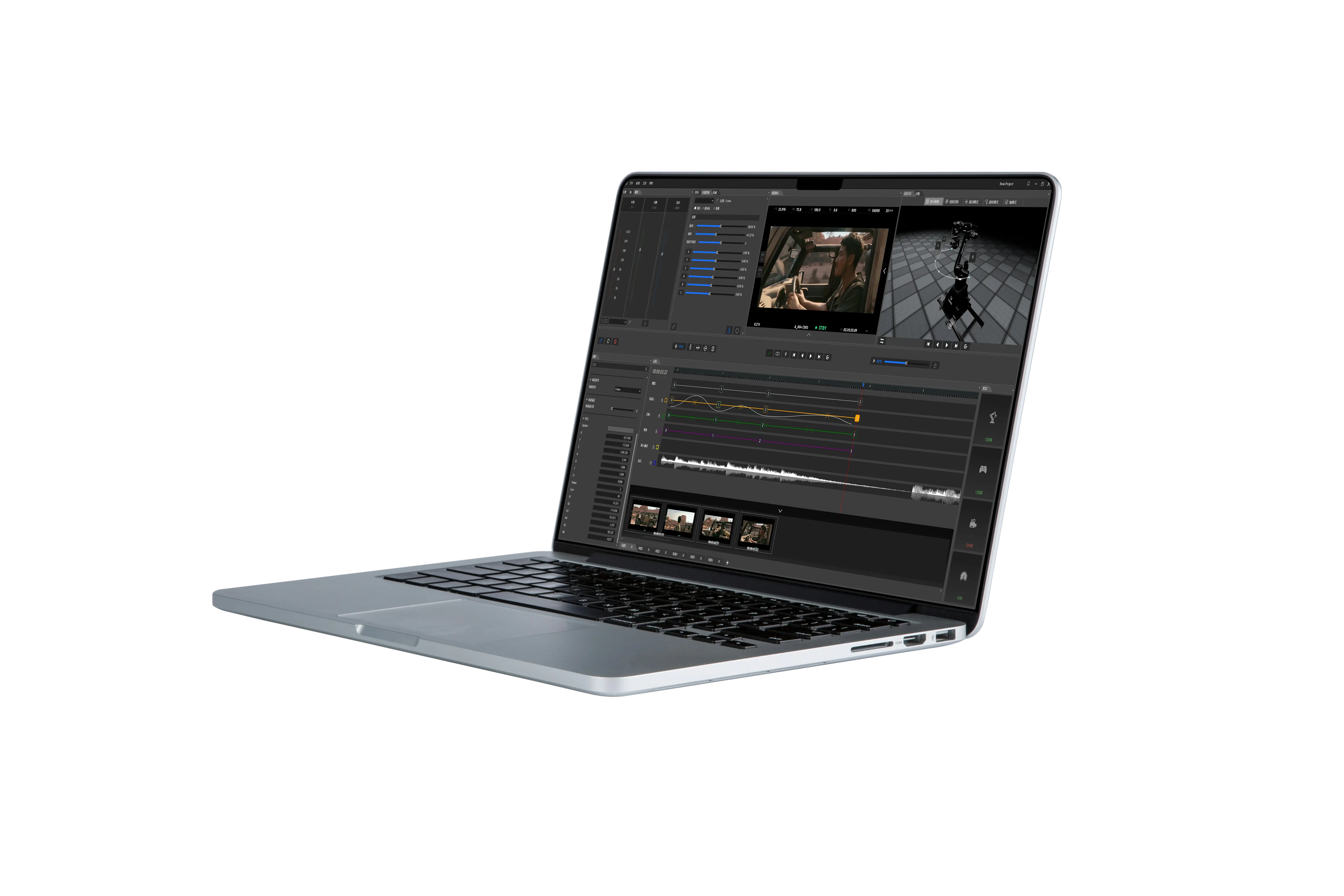
OS PRO
Position, target points, focus, music and external devices are arranged and precisely synchronized on one timeline.
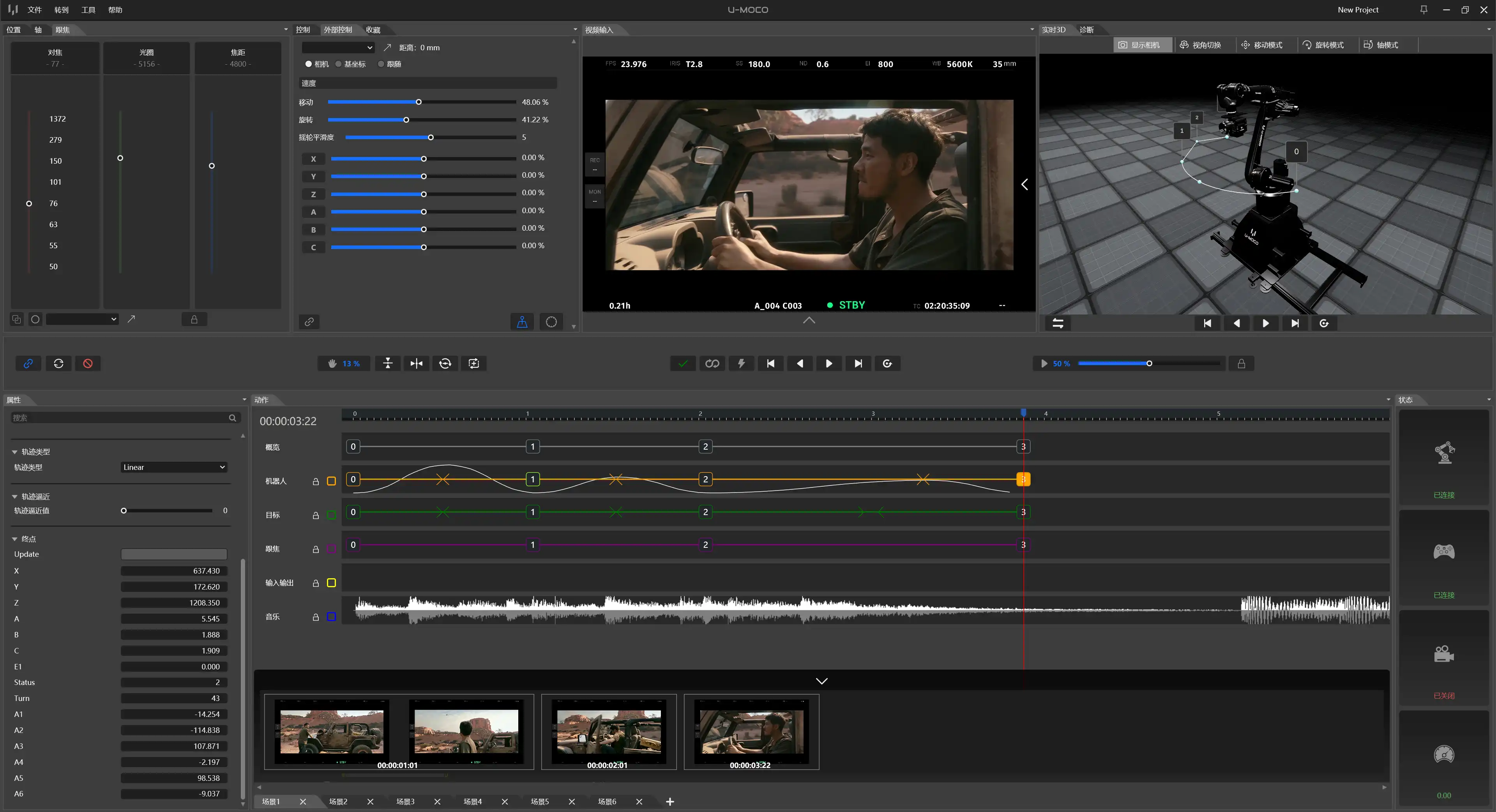
Arrange position, target points, focus and external devices together.
Set attitude, speed and movement rhythm with precision.
Place moves, speed changes and device triggers by second and frame.
Load the path ahead of time and execute on trigger.
PREVIS & LENS CONTROL
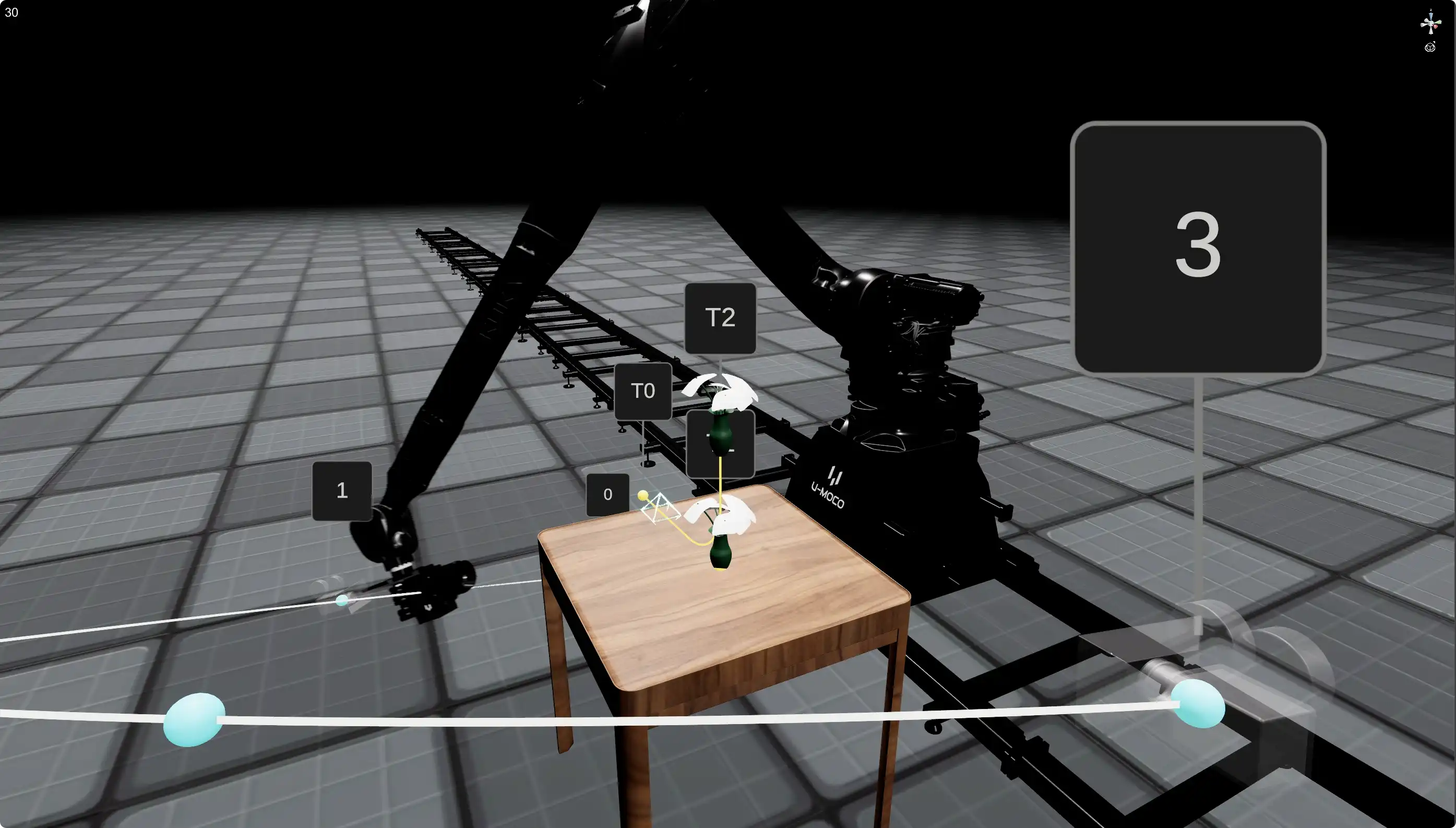
Validate the path in a 3D scene, then synchronise focus, iris and zoom.
3D PATH PREVIS
Preview robot pose, motion path and camera direction in a 3D scene. Confirm the move before execution to reduce on-set trial and error.
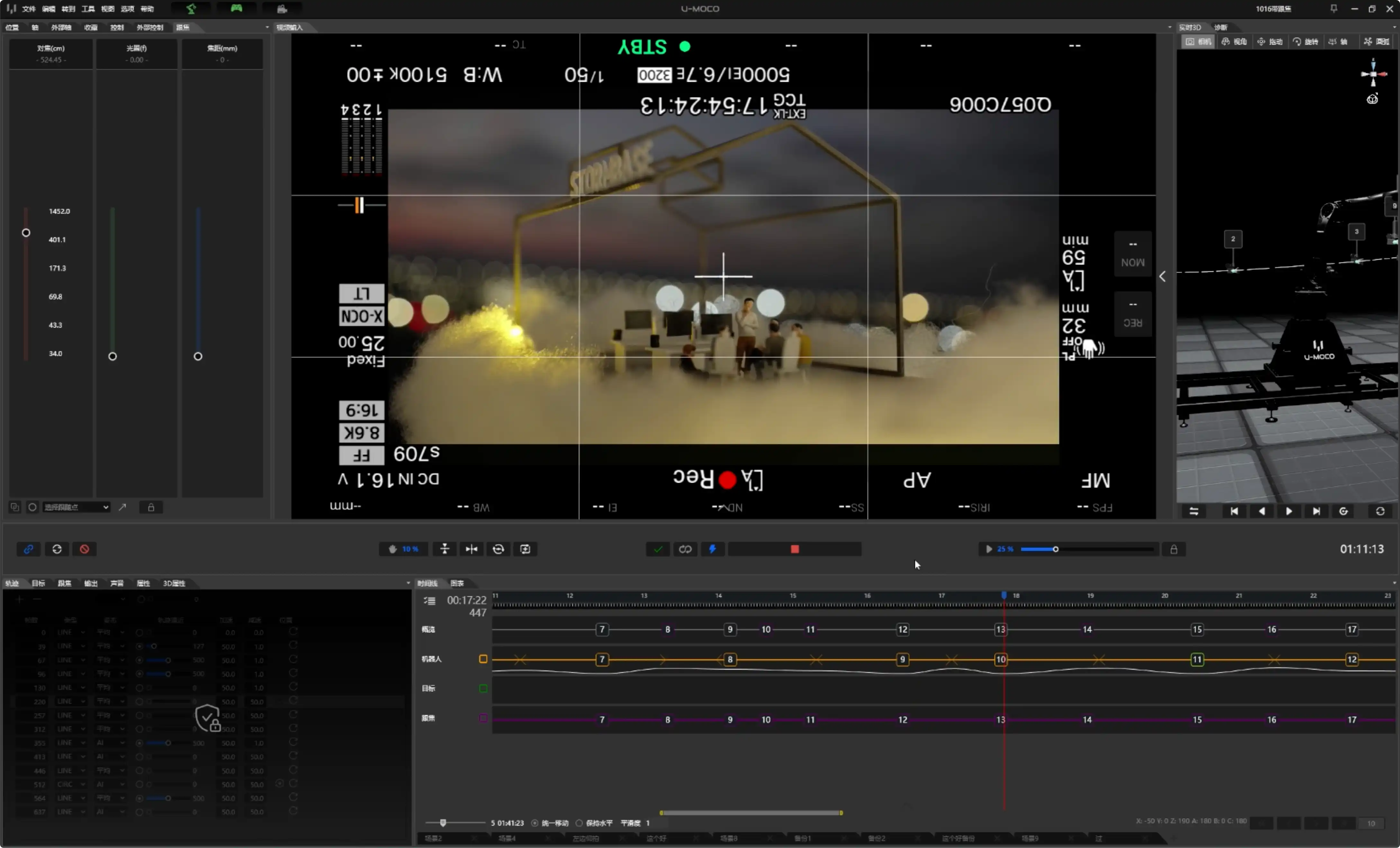
SYNCHRONISED LENS CONTROL
Arrange robot movement, focus, iris and zoom together on one timeline for more stable and efficient complex-shot execution and repeats.
LiDAR-assisted ranging and focus are supported.
U-MOCO PILOT
Simplified, intuitive mobile controls. Connect wirelessly without a computer or control cable, switch on and start shooting.
Set a target, orbit automatically
Steer moves with phone posture
Direct connection, no computer
Connect and shoot instantly
PROFESSIONAL CAPABILITIES
From calibration and trajectories to execution, sync and coordination, bringing together the capabilities professional production requires.
DEVICE COMPATIBILITY
OS LITE and OS PRO support multiple U-MOCO robots, with features varying by model and configuration.
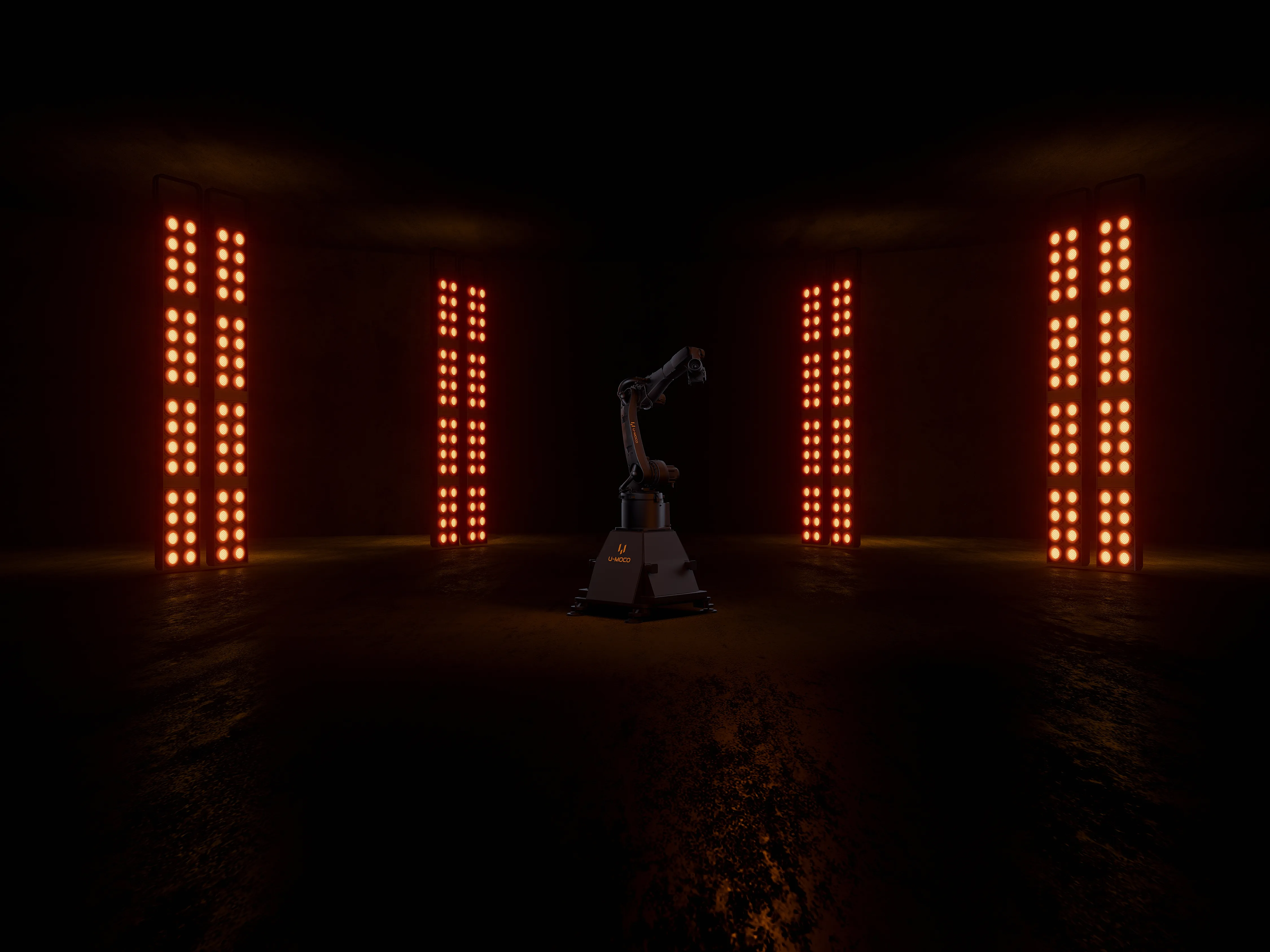
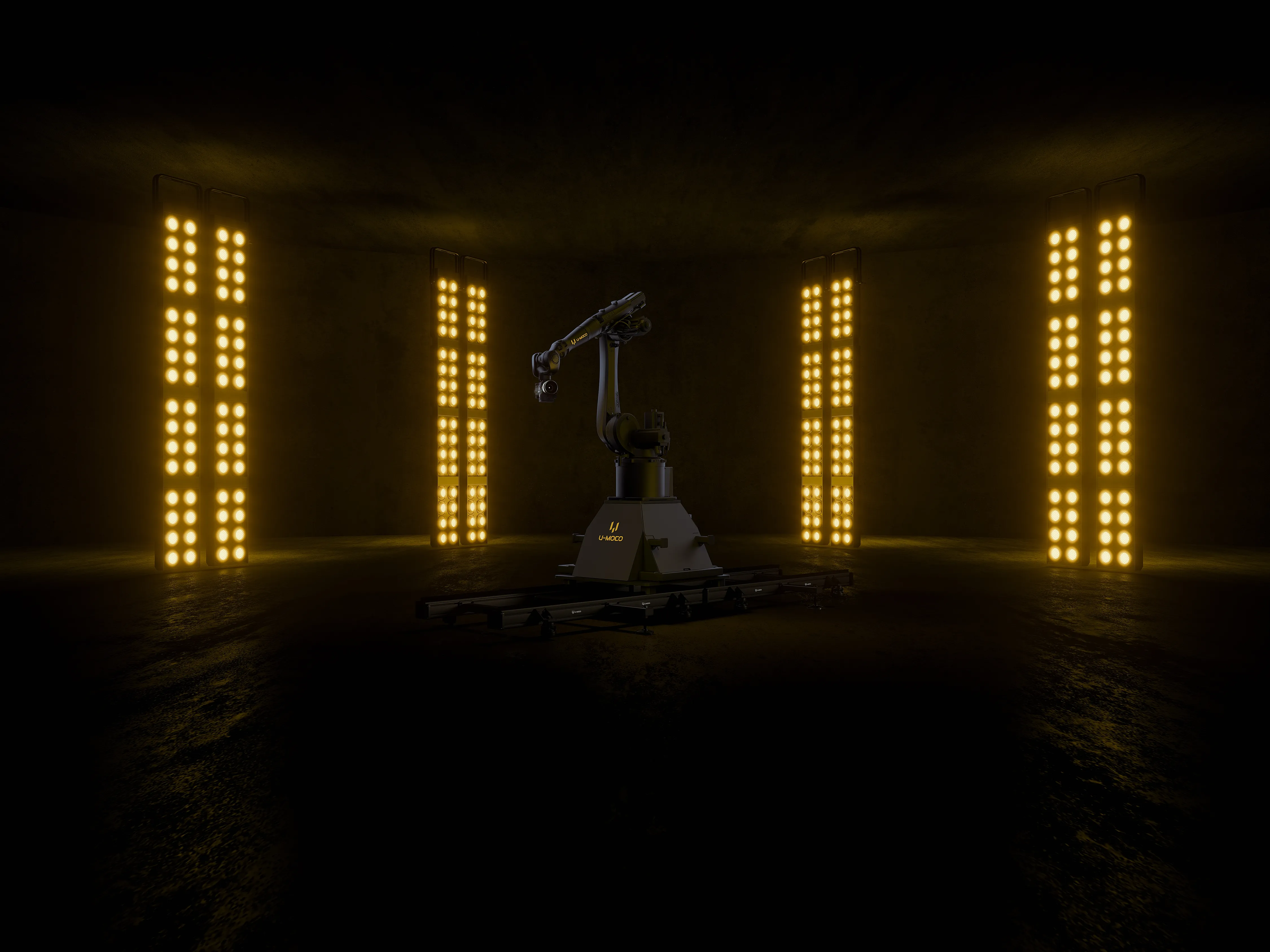
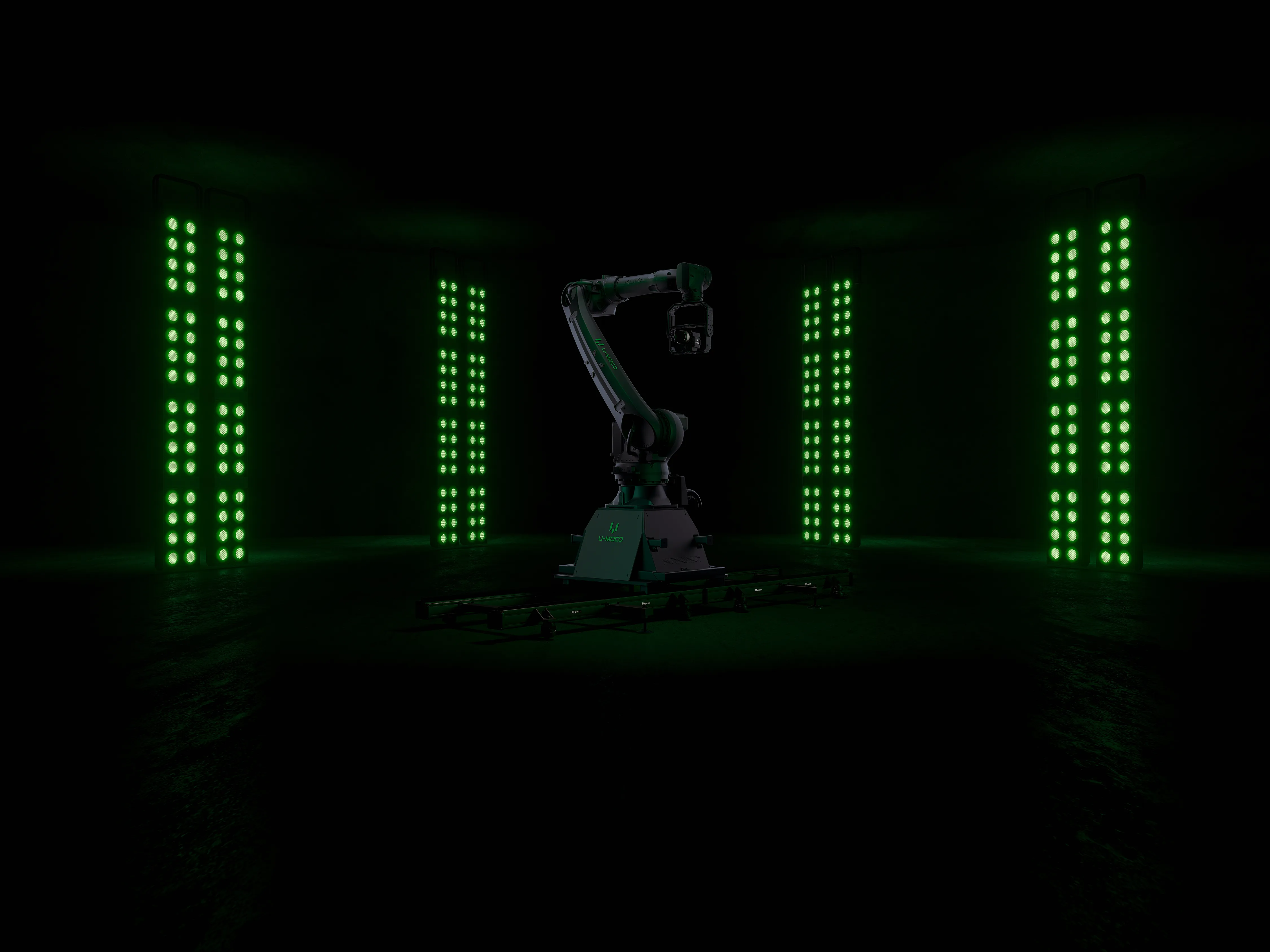
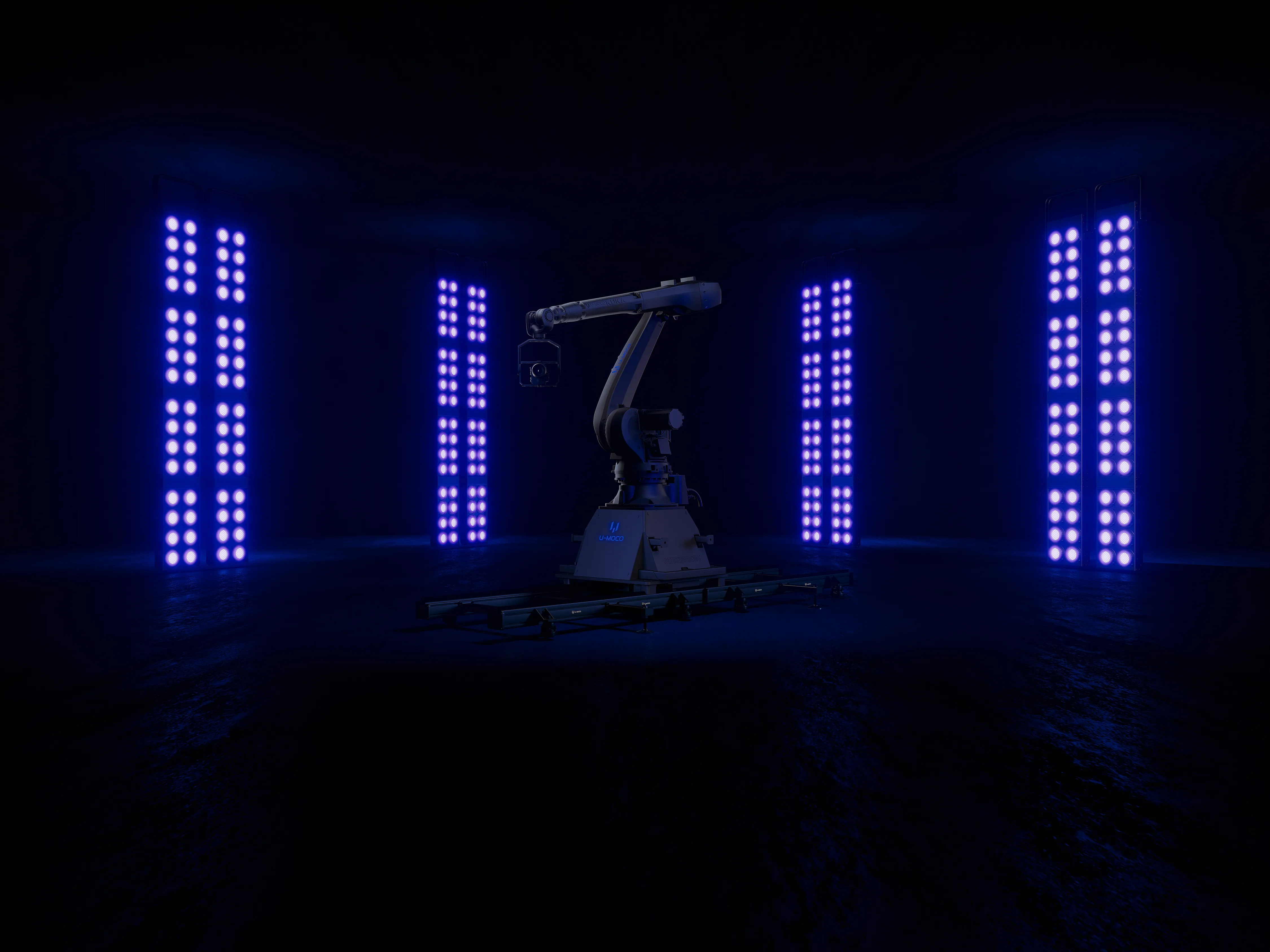
OS PRO for GO is available in Windows public beta. The Mac version is in development, with availability expected in early 2027. OS PRO for AIR remains in testing; features depend on its configuration.
U-MOCO OS
Explore system features, device compatibility, and the right camera workflow for you.